
Symbol picker
The symbol picker is a versatile tool which you can use to:
- Select a symbol from a choice of symbols.
- Add a symbol to text or change a symbol associated with some text.
- Change a selected symbol on a slide.
- Add a new symbol to a slide - without selecting any text.
- Add an alternate symbol for a word.
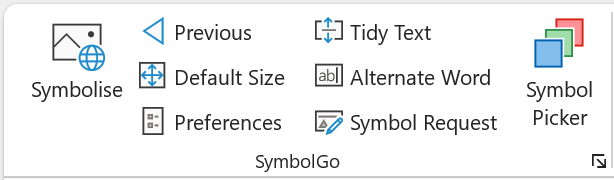
You can find the symbol picker button in the SymbolGo group on the home tab or SymbolGo tab.
Select a word and choose a symbol
- Open the symbol picker.
- Write some text in a text box.
- Click on a word in the text.
- Click one of the symbols in the symbol picker box.
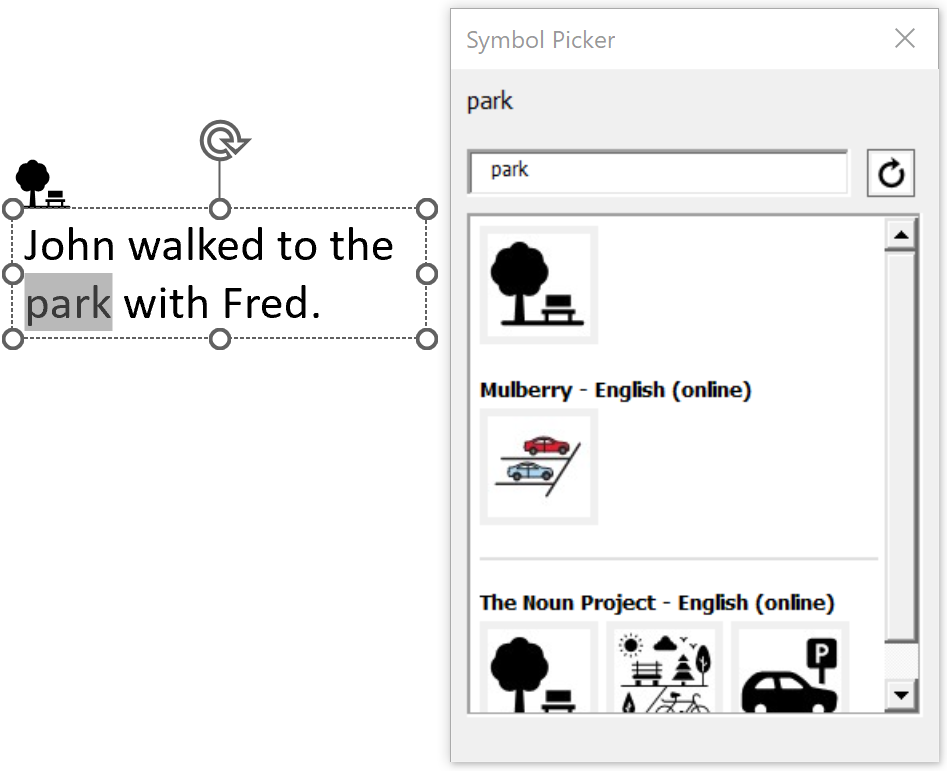
Note, the symbol that you last chose will appear at the top of the box making it quicker for you to find it the next time you symbolise the same word. This will also be the symbol that will be shown first when you next use the "Symbolise" button for the same word.
Search for a different symbol to use with a word
There might not be a symbol coming up for a particular word, or you might not be satisfied with the symbols that do come up. In this case:
- Click on a word in a text box.
- In the search box in the Symbol Picker, enter a word to search for - for example click on "Fred", and then search for "dog" (Fred is a dog).
- Hit return or the refresh button.
- Click on a symbol in the box.
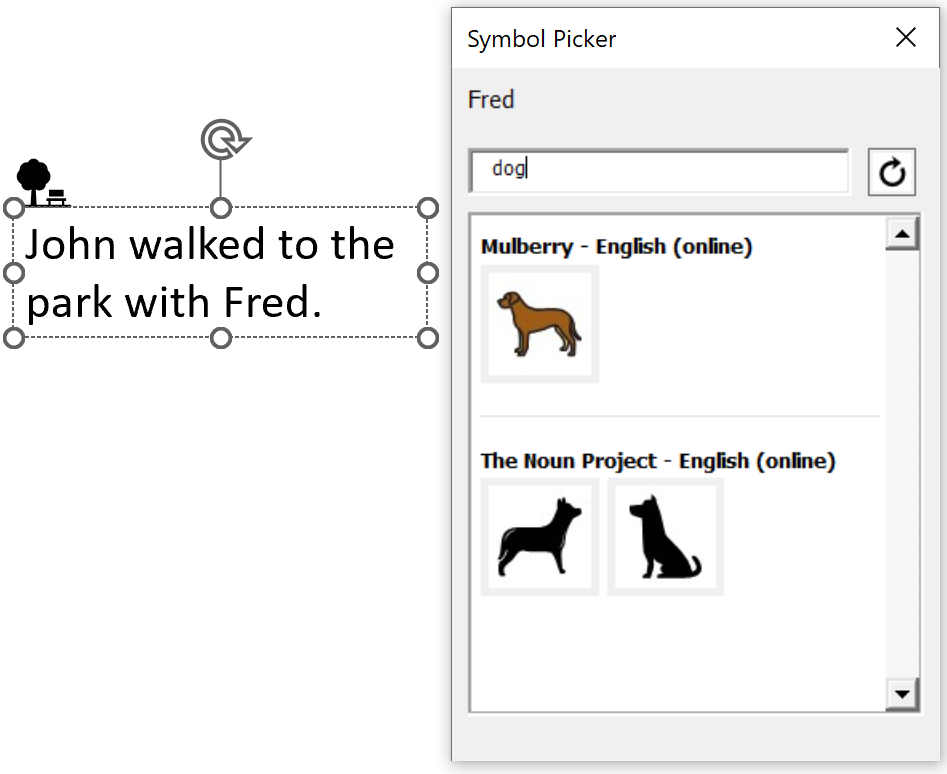
Next time you click on the same word, you will get offered the alternate symbol you searched for previously - in this case clicking on "Fred" will give you symbols for "dog".
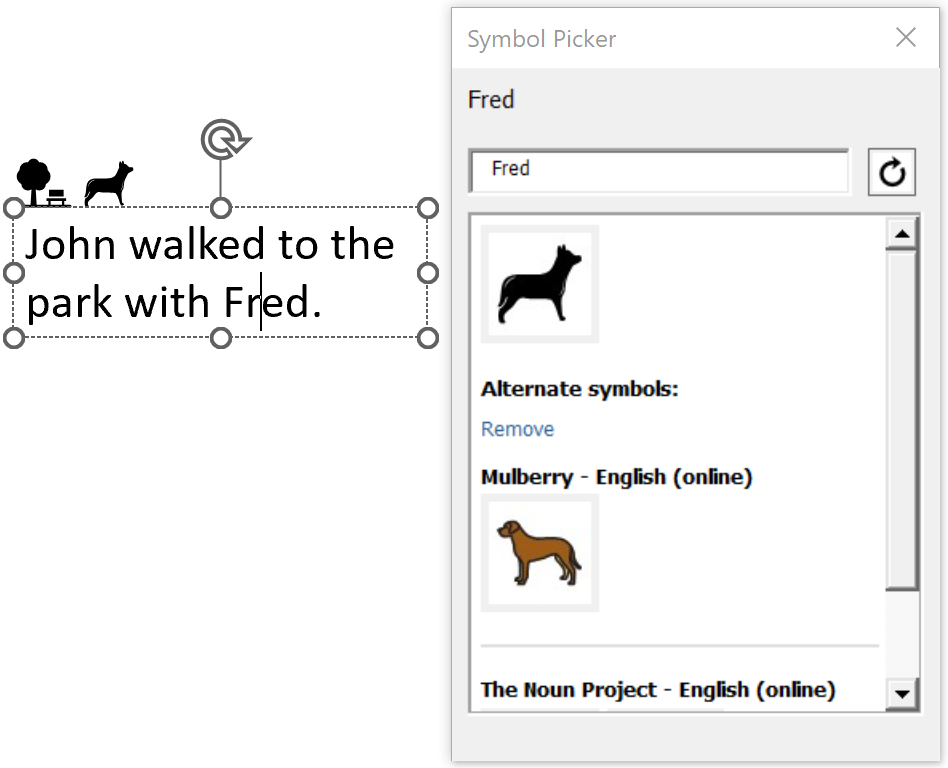
If you no longer want these alternate symbols to come up for a particular word, click on "Remove". You can also change the alternate symbols that come up by using a different search word, for example "cat".
Other things you can do with the symbol picker
- Click on a symbol and replace it with a different symbol from the picker box.
- If the symbol is not associated with any text box, then you will also be able to search for other symbols in the search box.
- If the symbol is associated with a text box, you can choose different symbols for that word - but you won't be able to use the search box.
- Click on a word in text, and replace the symbol associated with that word with a different one.
- Add a symbol to a slide which is not associated with any text: make sure you haven't selected a symbol or text, then search for a symbol in the symbol picker and then click on one.